Construction cost tracking software
Budget, committed and actual on every cost code
A budget is set per cost code. Purchase Orders, approved Variations and Timesheet labour are recorded against it as they occur, and any line heading over budget is flagged.
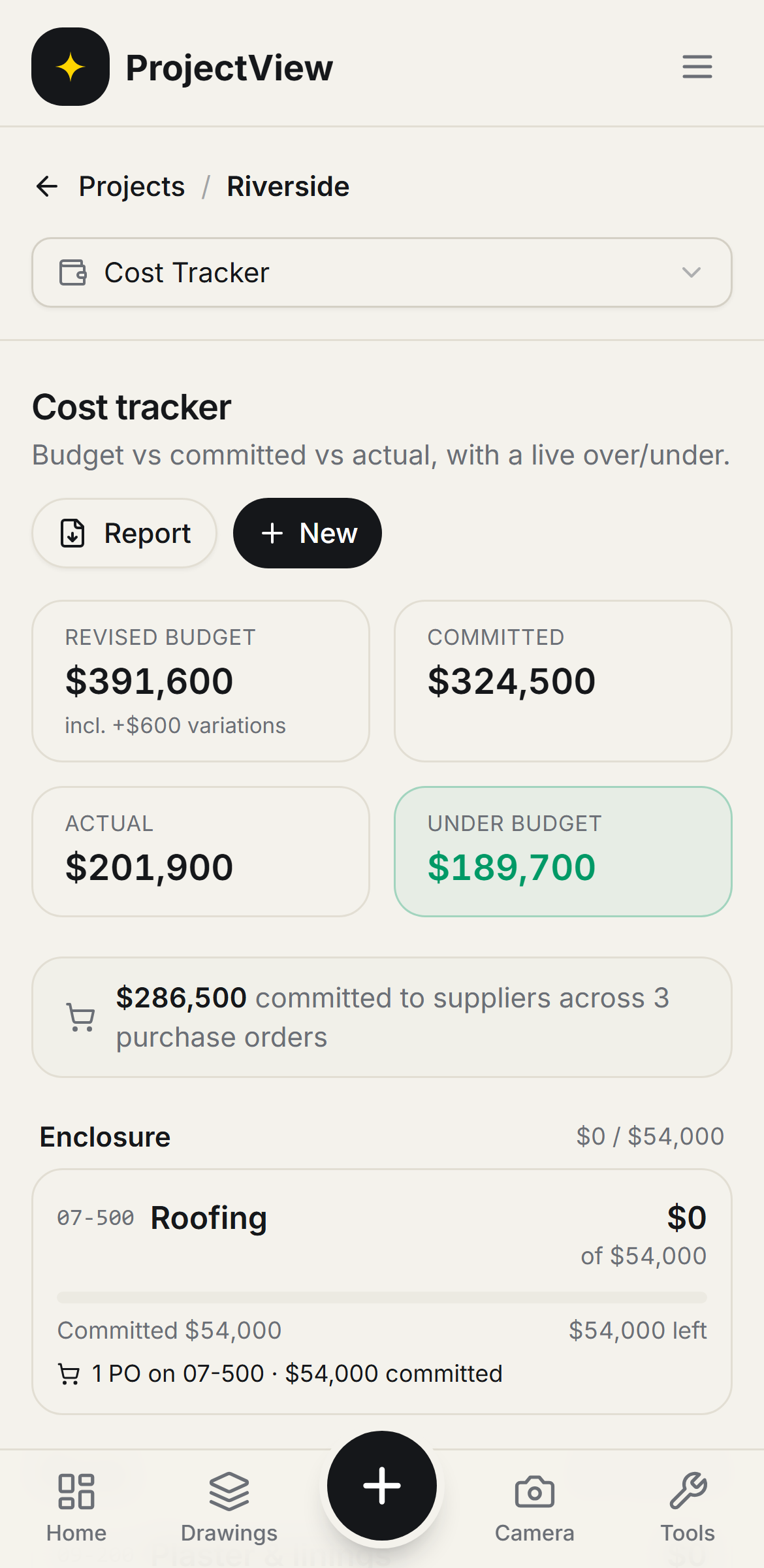

Budget versus actual
A budget is set per cost code, with committed and actual spend tracked against it.
Fed from the records
Purchase Orders, Variations and labour are recorded against the cost codes automatically. No spreadsheet is kept.
Over-runs flagged
A cost code heading over budget is flagged while there is still time to act.
How it works
The procedure
Set the budget
A budget is set for each cost code on the job.
Costs are recorded
Purchase Orders, approved Variations and Timesheet labour are recorded against the correct cost code automatically.
Monitor the spend
Committed and actual spend are shown against each budget line as the job runs.
Act on the flag
A line heading over budget is flagged in red while corrective action is still possible.
The whole budget at a glance
Revised budget, committed, actual and the variance sit at the top of the job, updated as records are added.
Get Started
The over-run on the line it occurs
Every cost code is tracked against its budget, with committed and actual fed from Purchase Orders, Variations and labour. A code heading over is flagged in red.
Get Started
Questions, answered
Get started
Start free on your first Project
One price per company, from $199 a month. No lock-in contract.