Construction photo software
Every photograph filed by location and stage
Each photograph is tagged to the unit, area and build stage as it is taken, and filed in your own cloud. The photographic record of the build is browsed by location, not by camera roll.
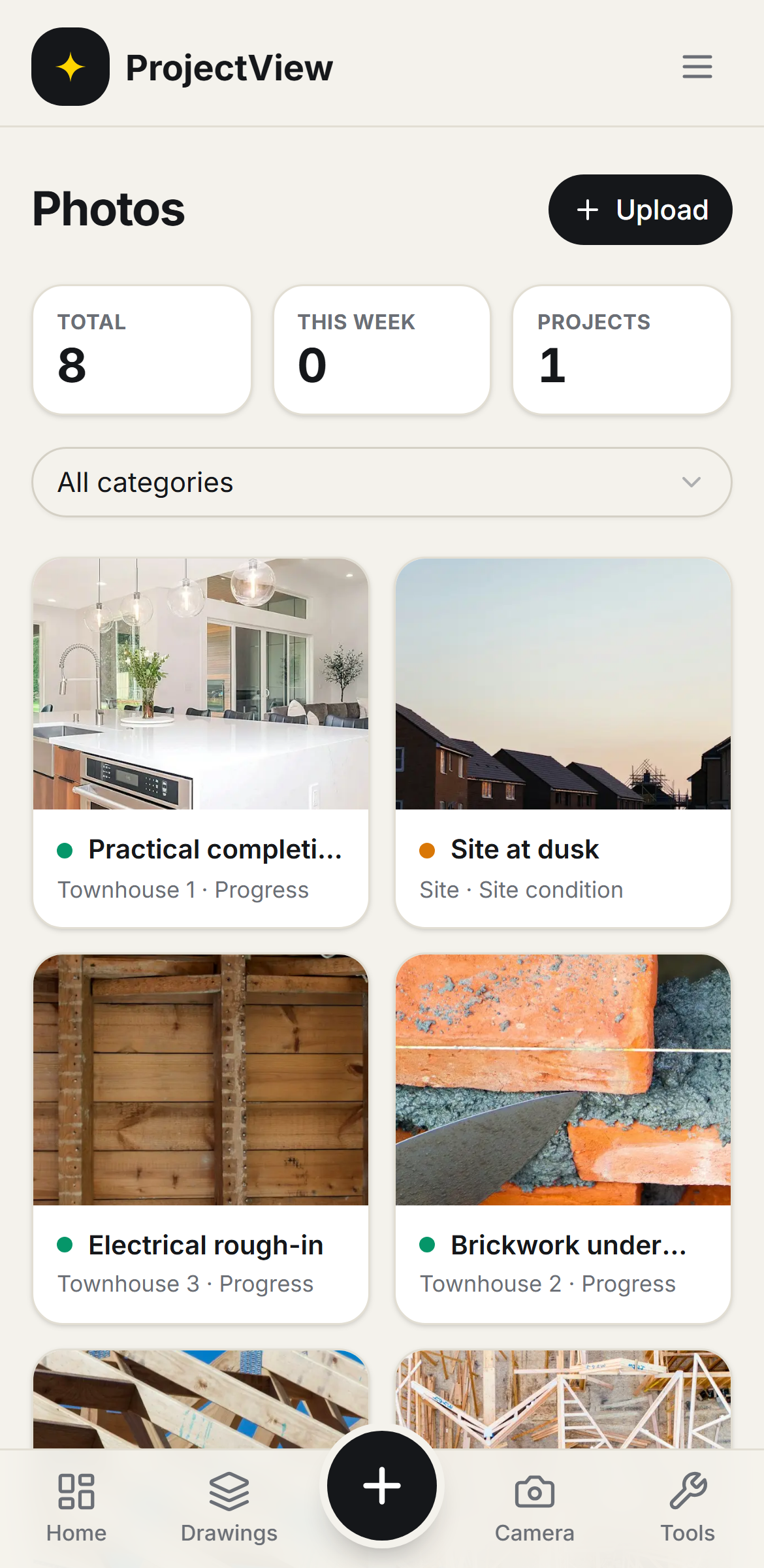

Tagged as taken
Each photograph is tagged to the unit, area and build stage in one step.
Filed by location
Photographs are browsed by unit and area, with a count on each, rather than scrolled through a camera roll.
The record of the build
Every stage is captured and kept, so what was done and when can be shown long after handover.
How it works
The procedure
Photograph on site
Photographs are taken on the phone as the work proceeds.
Tag as taken
Each photograph is tagged to the unit, area and build stage in one step, and filed in the correct place automatically.
Find it
The record is browsed by unit and area or filtered by stage.
Every photograph filed by location
Site photographs are grouped by unit and area with a count on each, so the record is browsed by where the work is.
Get Started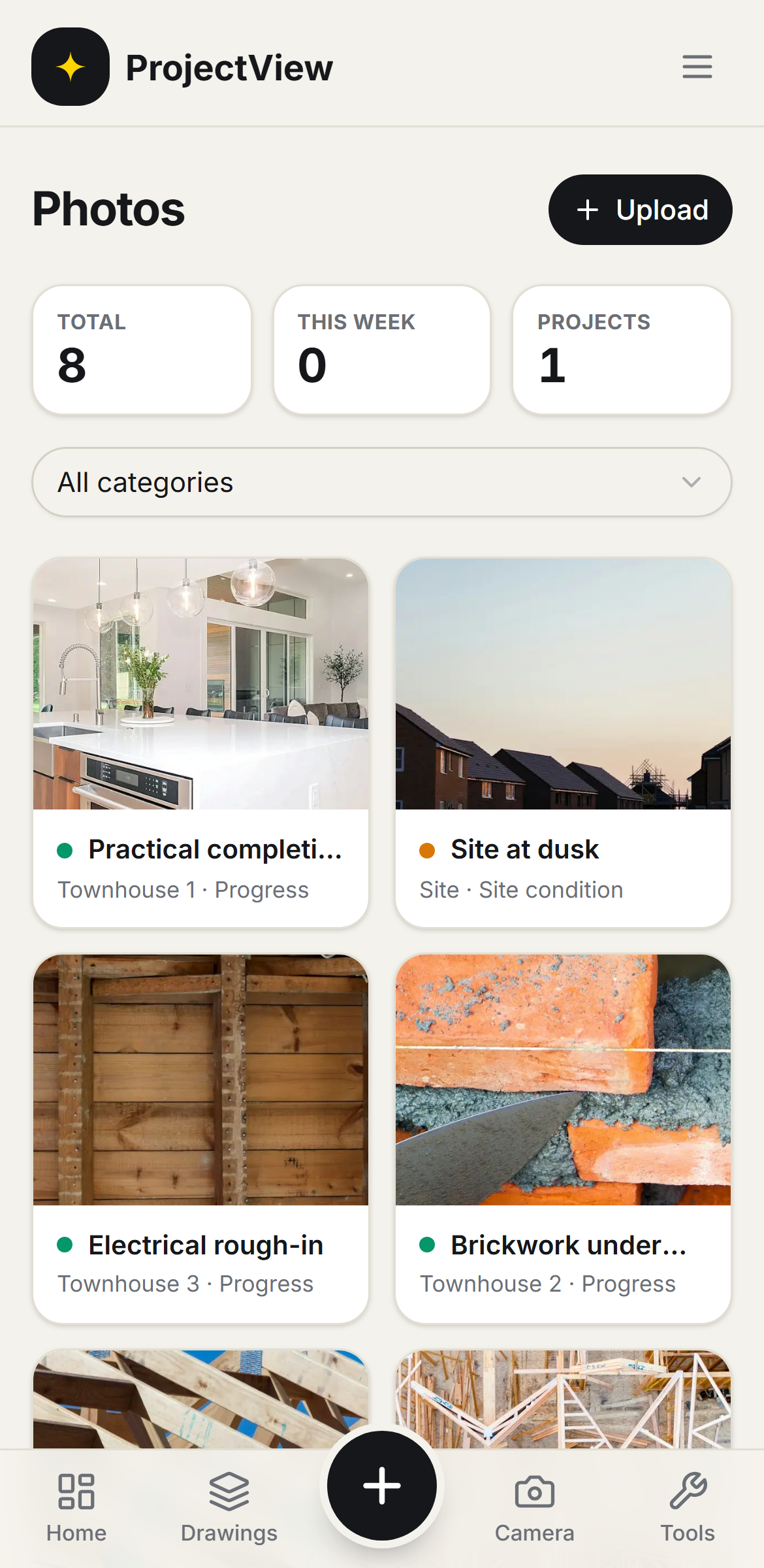
Tagged to the unit, area and stage
Each photograph carries its location and build stage, so any shot is found in seconds and the record of how the job went together is complete.
Get Started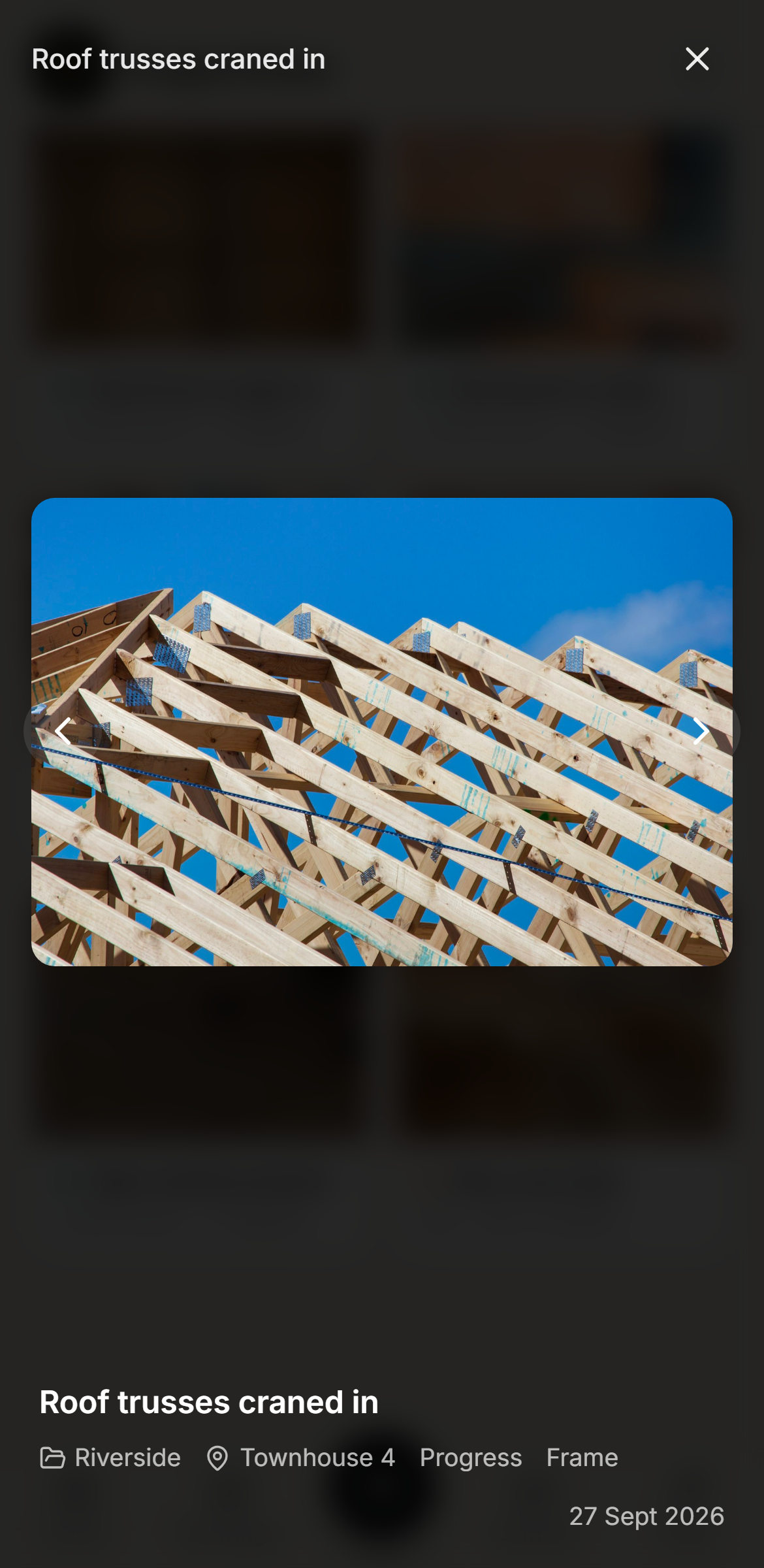
Questions, answered
Get started
Start free on your first Project
One price per company, from $199 a month. No lock-in contract.