Construction site sign-in software
Site attendance recorded at the gate
Workers sign on and off by scanning a QR at the gate, with no app and no login. A live list shows who is on site, and every sign-on is kept as the attendance record.
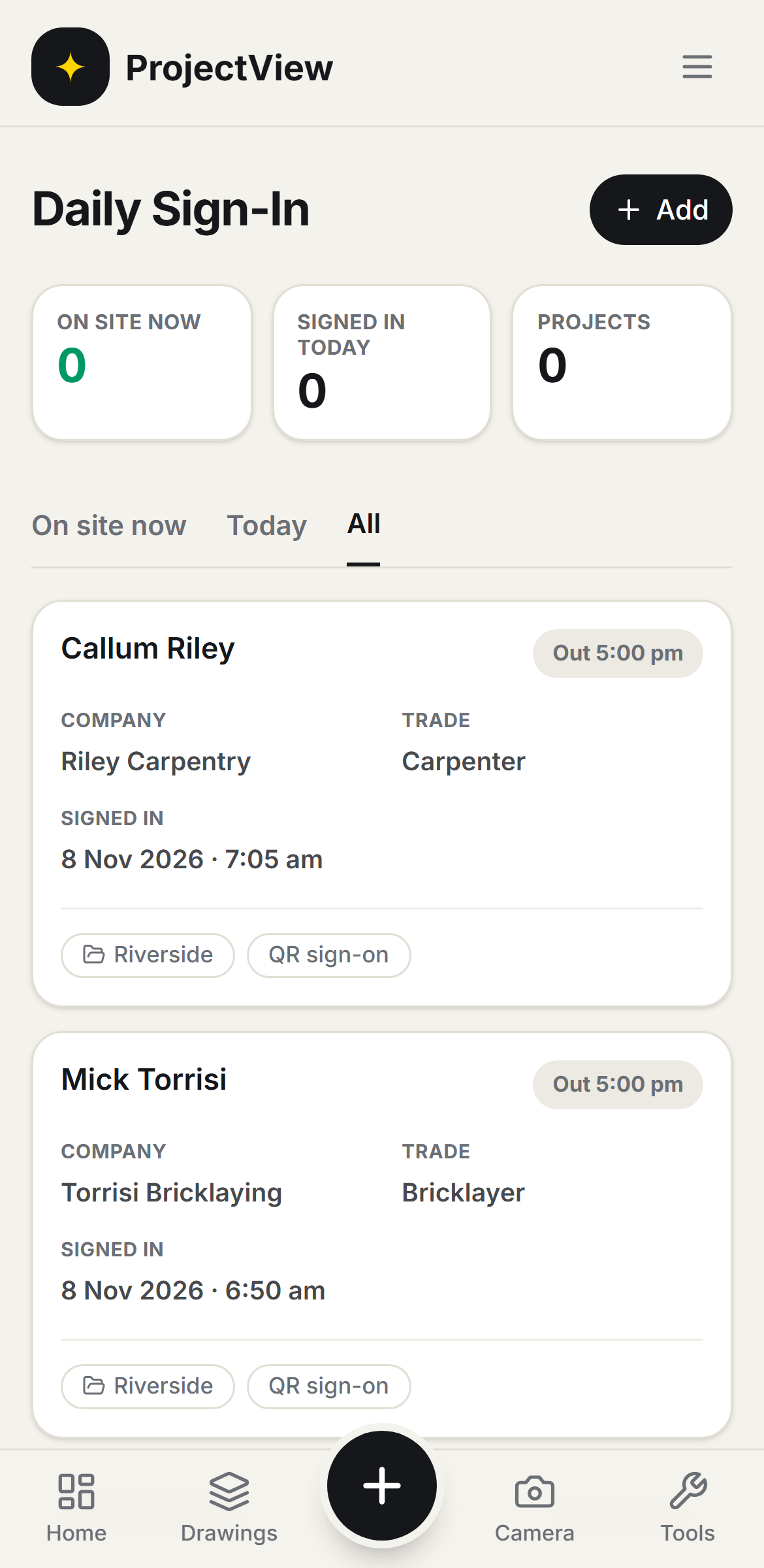

Who is on site
A live list of everyone on site, how long they have been on, and anyone not yet inducted.
Scan to sign on
Workers scan the QR at the gate to sign on and off. No app is downloaded and no login is needed.
The attendance record
Every sign-on and sign-off is kept with its time as the attendance record for the job.
How it works
The procedure
Print the QR
A QR code is placed at the gate. Nothing is downloaded or set up by the workers.
Workers sign on
Each worker scans the QR on their own phone to sign on, and again to sign off.
See who is on site
A live list shows everyone on site, how long they have been on, and anyone not yet inducted.
Keep the record
Every sign-on and sign-off is kept with its time as the attendance history for the job.
Signed on at the gate
The QR is printed at the site entry. Workers scan it to sign on when they arrive and off when they leave, with no app and no login. The live list shows who is on site.
Get Started
Manual sign-on and automatic sign-off
A worker without a phone is signed on manually, and an automatic sign-off time stops hours running on when someone forgets. Every sign-on and sign-off stays on the record.
Get Started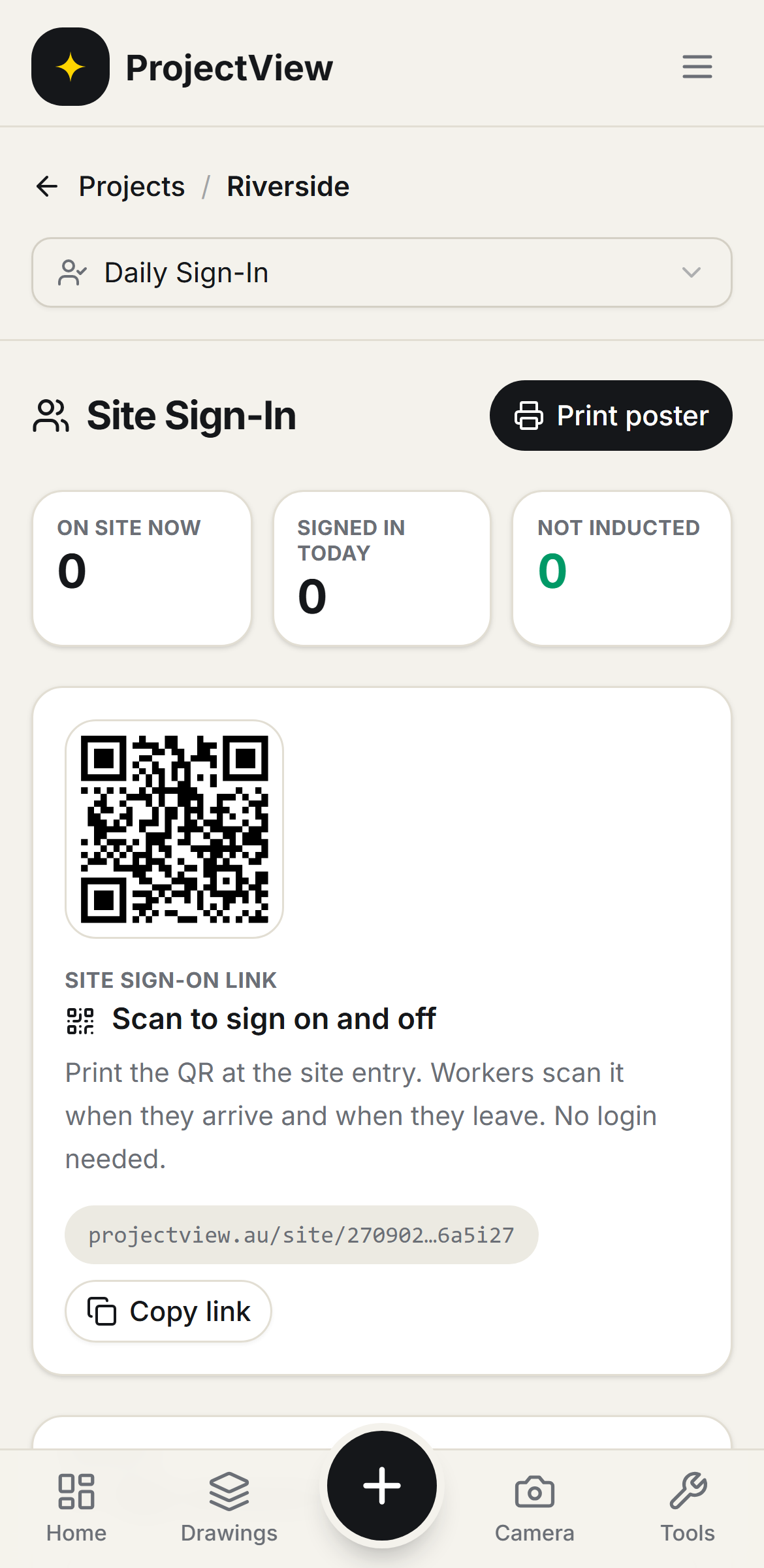
Questions, answered
Get started
Start free on your first Project
One price per company, from $199 a month. No lock-in contract.